因為系統需要進行 SQLServer 與 DB2 資料的異動,並需要進行雙方資料的交易管制
於網路上搜尋到相關資訊設定,經測試成功
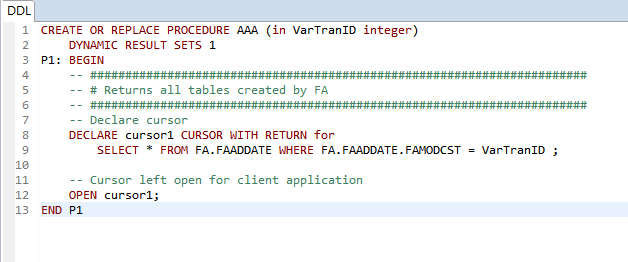
DB2 FA上建立 Procedure
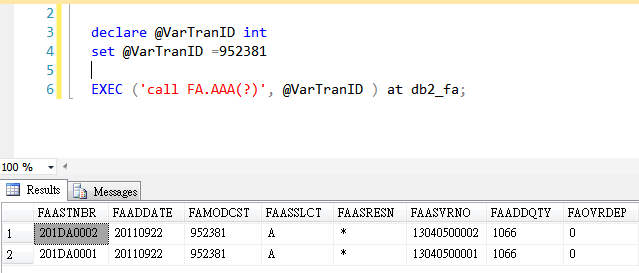
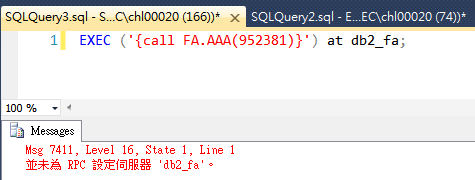
於SQL Server 上 Call DB2 Procedure 出現錯誤
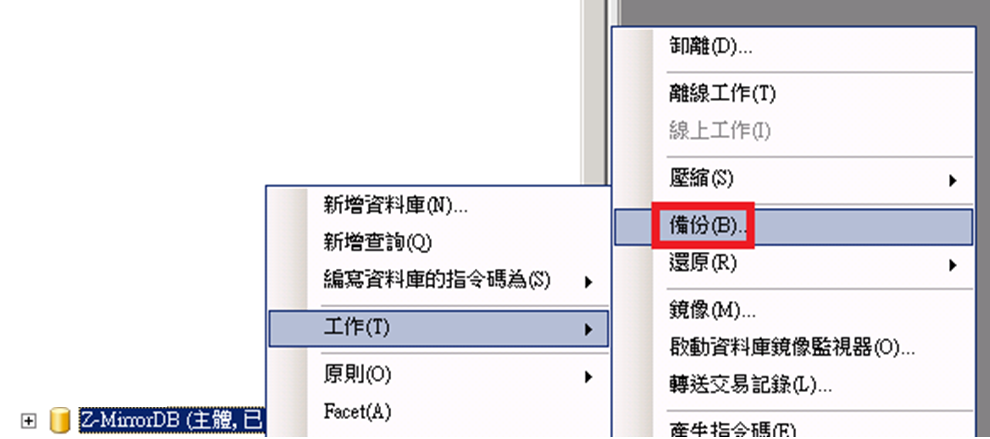
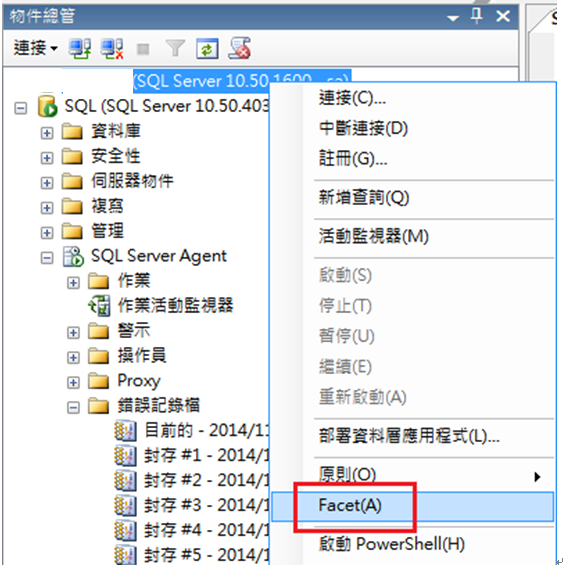
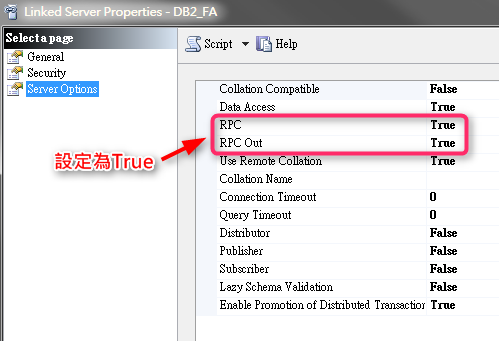
設定 該 「Liked Server」

將RPC 都設定為 true
1. The first RPC setting is mainly for a legacy feature called Remote Server, which is documented here. http://msdn.microsoft.com/en-us/library/ms190187.aspx
You probably will not be using remote servers in SQL Server 2005 -SQL Server 2014 versions.
If you do happen to use “remote servers”, the RPC setting enables a certain security feature. If it is turned off, when the second server (the one receiving the login attempt from the first server to which the client connected) tries to validate the remote login, it fails with error
18482 “Could not connect to server ‘%.*ls’ because ‘%.*ls’ is not defined as a remote server. Verify that you have specified the correct server name. %.*ls.”
2. The RPC OUT setting is very pertinent to linked servers on SQL Server 2005 -SQL Server 2014 versions.
Think about an RPC (Remote Procedure Call) as being a stored procedure being run remotely from Server 1 to linked Server 2 “myserver”.
There are various syntaxes, the first using 4 part naming servername.databasename.schemaname.procedurename , the second here using EXECUTE(databasename.schemaname.procedurename ) AT servername convention.
We can test with a simple procedure sp_helpdb that lives in master database, and will list out the databases and some of their key properties.
- EXEC [myserver].master.dbo.sp_helpdb
- EXEC (‘master.dbo.sp_helpdb’) AT myserver
These kind of remote stored procedure calls will be blocked unless RPC OUT is set to True.
Msg 7411, Level 16, State 1, Line 1 Server ‘myserver’ is not configured for RPC.
[參考資料]
How to Use a Microsoft SQL Server Linked Server to Access DB2 with StarSQL
https://docs.starquest.com/Supportdocs/techStarSQL/StarSQLODBC/ThirdPartyApplications/SQ004_UsingLinkedServers.shtml
What is the RPC and RPC Out option on a SQL Server linked-server?
https://blogs.msdn.microsoft.com/jason_howell/2014/10/01/what-is-the-rpc-and-rpc-out-option-on-a-sql-server-linked-server/
執行結果